Power on & boot
Power it on with any USB-C charger or power bank. The panel scrolls its Bluetooth name,
firmware version, and a 6-digit PIN (e.g. PIN 482 913). Write it down;
it repeats until you set it up.
Get the mobile app
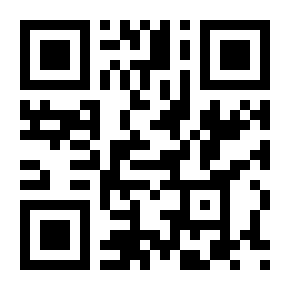
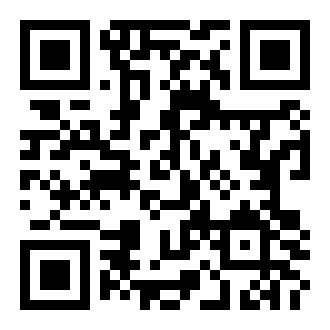
Scan a QR code below to install the companion app. The iOS (26+) app is on the App Store; Android installs from the APK. No account or sign-up needed. It pairs directly over Bluetooth.
Pair via Bluetooth
With Bluetooth on, open the app and tap your Ticker (LED-Ticker-XXXX) in the list. Enter the 6-digit PIN from Step 1 when prompted. Your phone remembers the pairing, so you only enter it once.
Configure your Ticker
In Device Settings, optionally add Wi-Fi for live data and a Finnhub API key (free at finnhub.io), then pick your time zone. Wi-Fi must be 2.4 GHz, not 5 GHz. Sign mode and the timer work without it.
Select scroll mode
Toggle categories on or off in the Display tab; stocks and weather have their own tabs. Your Ticker rotates through whatever's enabled. Stocks follow US market hours and hold the last close.
Tune the display
In the Display tab, set brightness and scroll speed to taste. Both apply across every category and take effect as you adjust them. Display off blanks the panel without losing your setup.